New Course Photoshop for Complete Beginners | Lesson 1

Wishlist Share

About Course

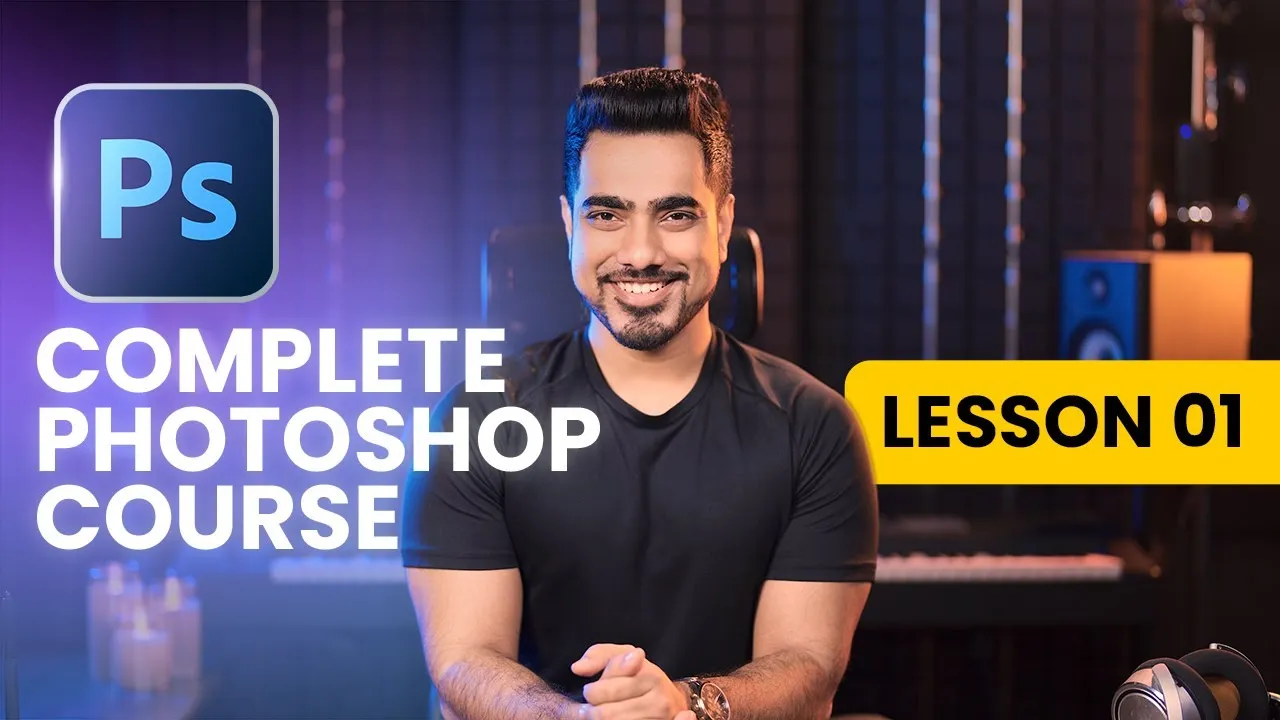
The Complete Guide to Getting Started with Photoshop for Beginners! Whether you are starting from scratch or want to build a strong and solid foundation, this is the lesson to help you every step of the way. We will leave no detail unturned, and cover everything you need to know to get started right now!

What Will You Learn?

  • A Guarantee
  • 00:12 What is Photoshop?
  • 00:30 The Photoshop Home Screen
  • 02:35 What’s the Workspace?
  • 03:38 The 3 Major Things of Workspace
  • 05:15 How to Set Up Your Workspace
  • 08:35 Status Bar
  • 10:40 Menu Bar
  • 11:32 Options Bar
  • 12:46 The OCS of Photoshop
  • 13:12 How to Open a File
  • 14:24 How to Create a File
  • 16:04 How to Save: Save / Save As / Save a Copy
  • 20:58 Quick Refresher
  • 22:21 Photoshop Tools in Detail
  • 23:03 The Move Tool
  • 26:12 The Brush Tool
  • 28:11 The Text Tool
  • 29:47 The Zoom Tool
  • 31:53 Photoshop Panels in Detail
  • 32:04 Layers Panel
  • 33:18 History Panel / Undo & Redo
  • 34:15 The Canvas
  • 35:20 Canvas Tip for Social Media
  • 36:24 Transform
  • 39:29 Let’s Do a Fun Project!
  • 42:59 How to Master Photoshop
  • 43:58 Playwork
  • 44:52 One Favor

Course Content

Lesson – 01
The Complete Guide to Getting Started with Photoshop for Beginners! Whether you are starting from scratch or want to build a strong and solid foundation, this is the lesson to help you every step of the way. We will leave no detail unturned, and cover everything you need to know to get started right now!

Student Ratings & Reviews

No Review Yet
No Review Yet