
About Course
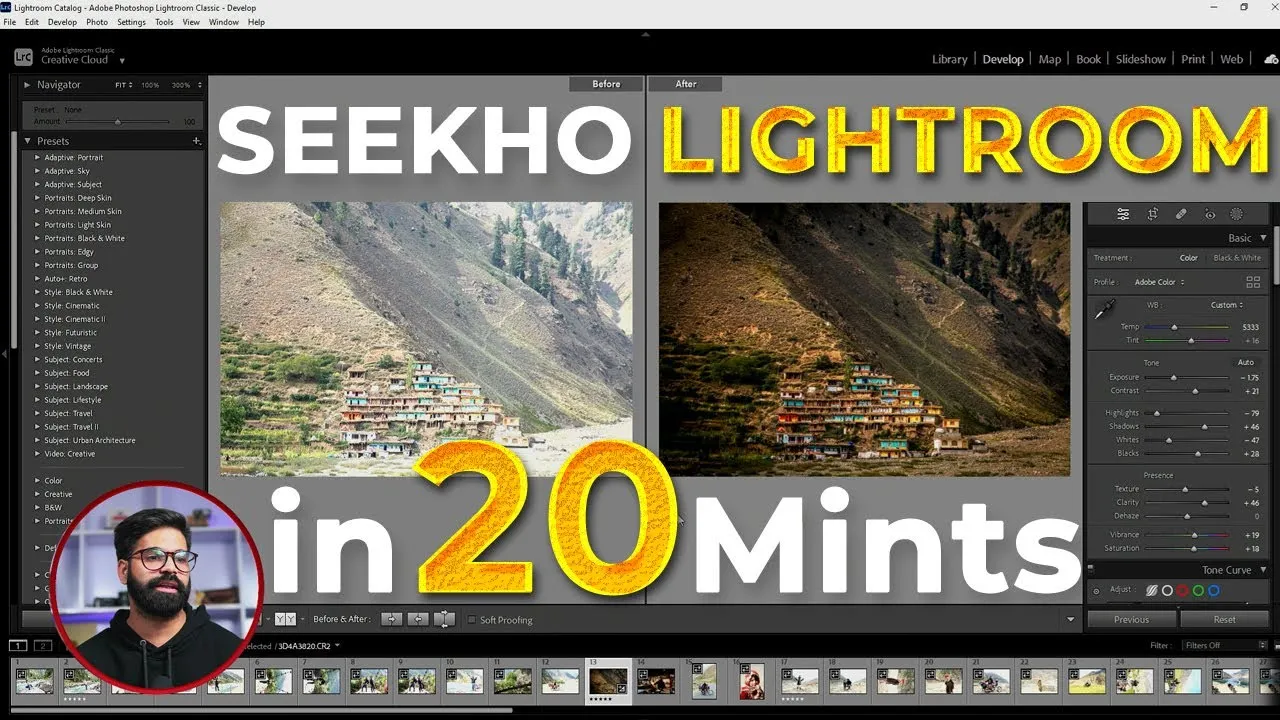
Welcome to our Lightroom photo editing tutorial designed to soothe and inspire. In this video, we’ll guide you through the essentials of Adobe Lightroom, helping you enhance your photos with ease and creativity. Whether you’re a beginner or looking to refine your skills, this step-by-step tutorial covers:
Importing Your Photos: Learn how to efficiently import and organize your images.
Basic Adjustments: Explore exposure, contrast, and white balance adjustments to make your photos pop.
Advanced Editing: Discover techniques for color correction, sharpening, and noise reduction.
Creative Touches: Apply presets, filters, and other effects to give your images a unique flair.
All of this is accompanied by calming background music, designed to make the editing process relaxing and enjoyable. Let the soothing melodies enhance your focus and creativity as you master L
Course Content
Topic -01
Student Ratings & Reviews